
Arduino!!
Write code that controls real things. Never coded? Start at Blink. Built stuff before? Skip to the challenges.
Meet the Uno
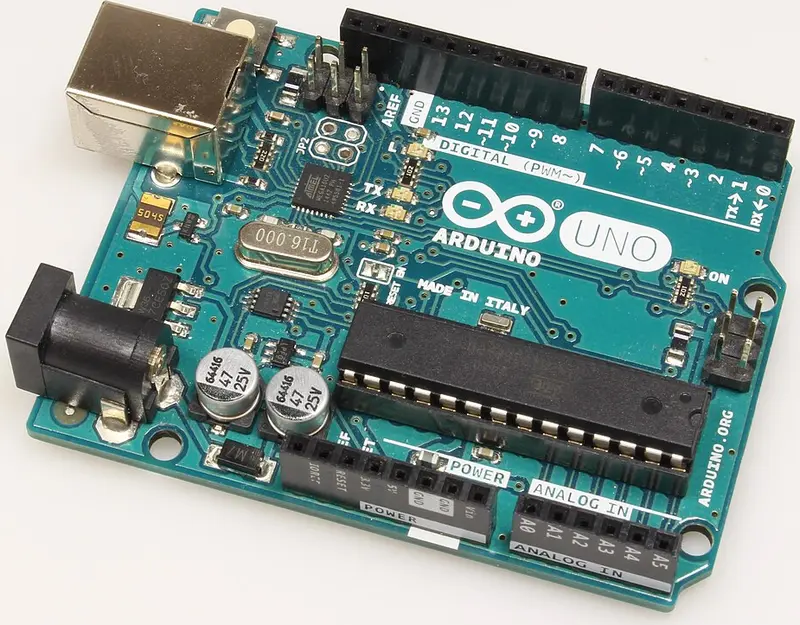
A tiny computer that runs one program forever. Its pins can turn things on and off and read buttons and sensors.
- Pins 2 to 13: on or off. The ones with a ~ can also dim.
- A0 to A5: read a knob or sensor as 0 to 1023.
- 5V and GND: power for your breadboard.
Don't fry it!!
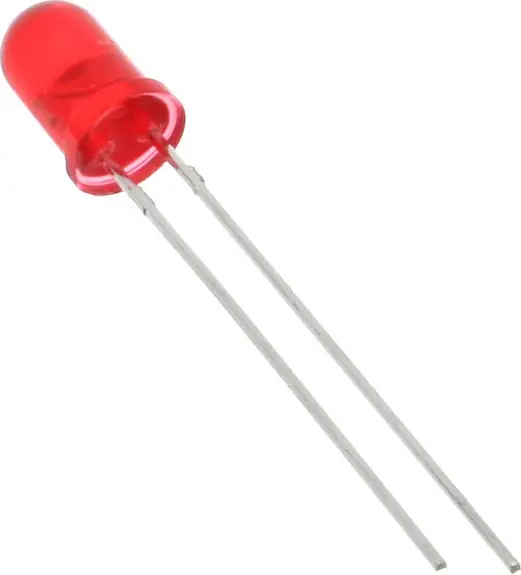
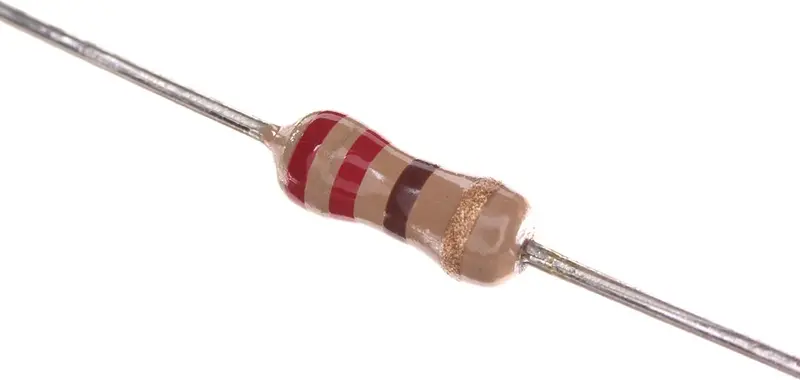
- Every LED still needs a resistor.
- Never plug a motor straight into a pin.
- Unplug USB before rewiring.
Blink
The "hello world" of hardware. The Uno has an LED built in, so this works with nothing plugged in.
- Plug in the Uno. Pick Tools → Board → Arduino Uno, then Tools → Port.
- Paste the code and hit Upload (→). The little L LED blinks.
- Change 500 to 100 and upload again.
- Your own LED: pin 13 → 220Ω → long leg, short leg → GND.
void setup() {
  pinMode(13, OUTPUT);     // runs once
}

void loop() {              // runs forever
  digitalWrite(13, HIGH);  // on
  delay(500);              // wait 500 ms
  digitalWrite(13, LOW);   // off
  delay(500);
}
Challenges
Finished the projects, or already know your stuff? No code given. Show an exec when yours works!
Red, yellow, green LEDs that cycle. Add a crosswalk button.
Press once for on, again for off. Harder than it sounds!
LED turns on at a random time. Press fast and print your time in ms.
Blink 3 LEDs at 3 different speeds at once. Hint: millis().
4 LEDs, 4 buttons, a pattern that grows every round.
Blink pin 13 with PORTB instead of digitalWrite. How much faster is it?
Photos from Wikimedia Commons: Uno: MakeMagazinDE, CC BY-SA 4.0 · LED: oomlout, CC BY-SA 2.0 · resistor: oomlout, CC BY-SA 2.0 · button: Scwerllguy, CC BY-SA 3.0 · knob: Iainf, CC BY 2.5 · servo: Suyash Dwivedi, CC BY-SA 4.0 · motor: Monoklon, CC BY-SA 3.0 · transistor: MarkMossGH, CC0 · diode: oomlout, CC BY-SA 2.0